CANVAS Presenter Resources

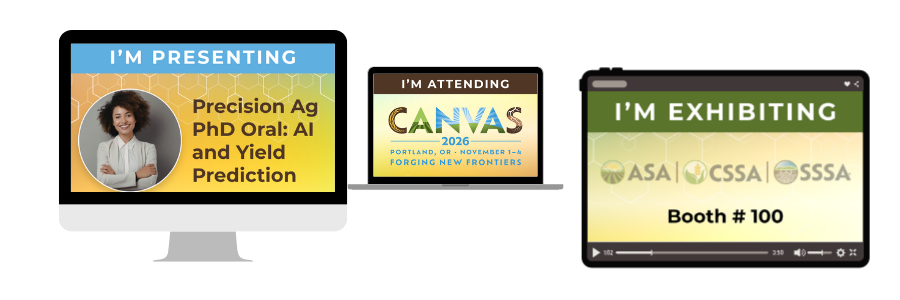
Customize your #CANVAS26 appearance on social
To help you share your enthusiasm about the biggest event in soil, crop, and agronomic science, we've prepared an editable template in Canva, a design platform. You will need a free Canva account to edit the template. After editing, download the design and post it to your social media account.


Presentation resources
This optional PowerPoint template can be used to build your presentation for CANVAS. It includes pre-designed layouts to help keep your slides consistent and professional.

Title slide layout

Supporting layout option

Alternate supporting layout
How to use this template:
- Download and open the file.
- You may only see one slide at first.
- In PowerPoint, click View → Slide Master to access all layouts.
- Close Master View, then add new slides and choose from the available layouts.
- Insert your content into the selected layout.
Society Logos
Each link opens the logo in a new tab. Right-click the image and select “Save image as…” to download and use in your materials.
White logo versions are best suited for dark backgrounds.

More presenter resources

Webinar: Make Your Abstract Compelling
Watch this session for practical tips on writing a clear, effective abstract.
Abstract Guidelines


